Lovense Lush 4 & Gemini App-Controlled Wearable Bundle
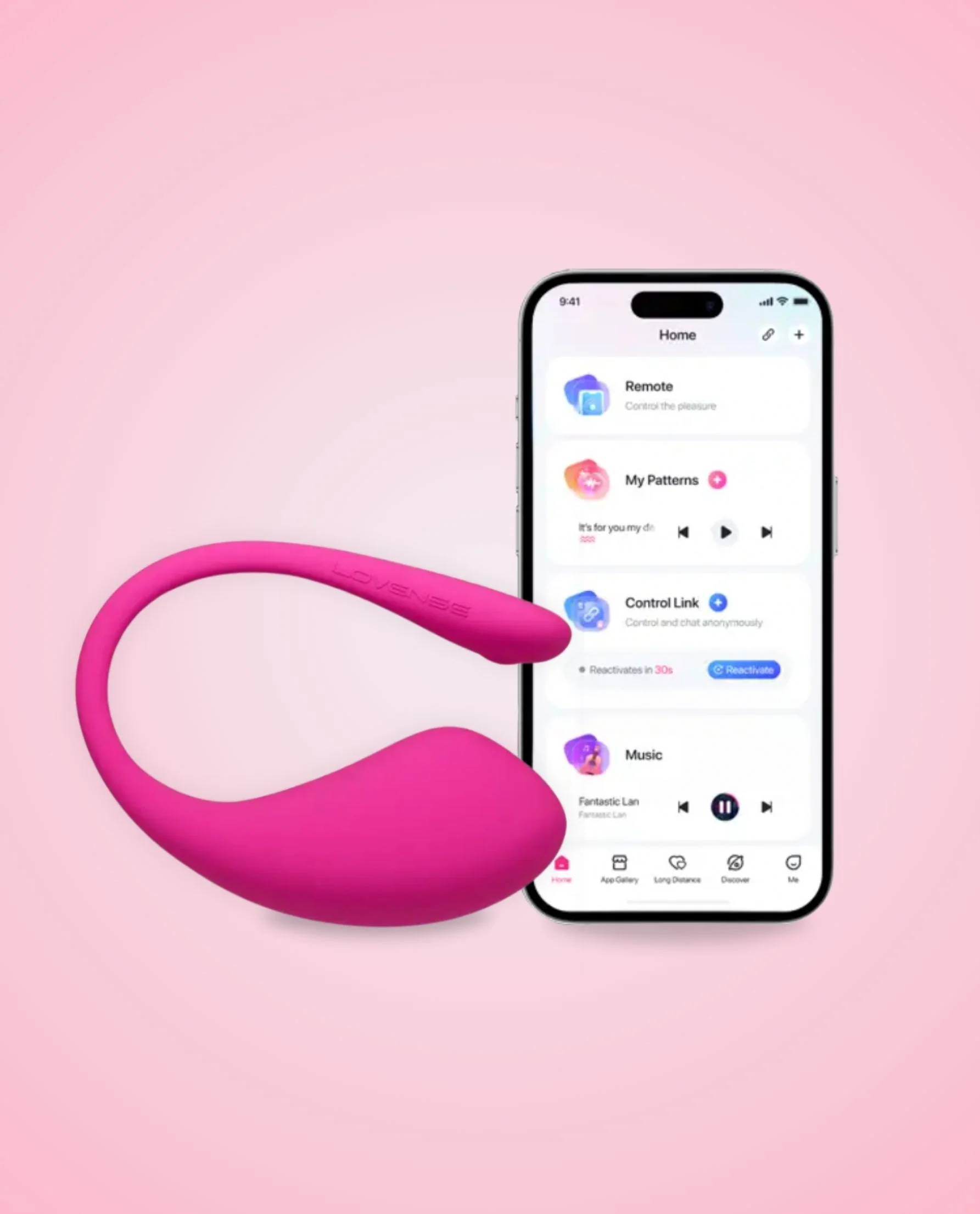
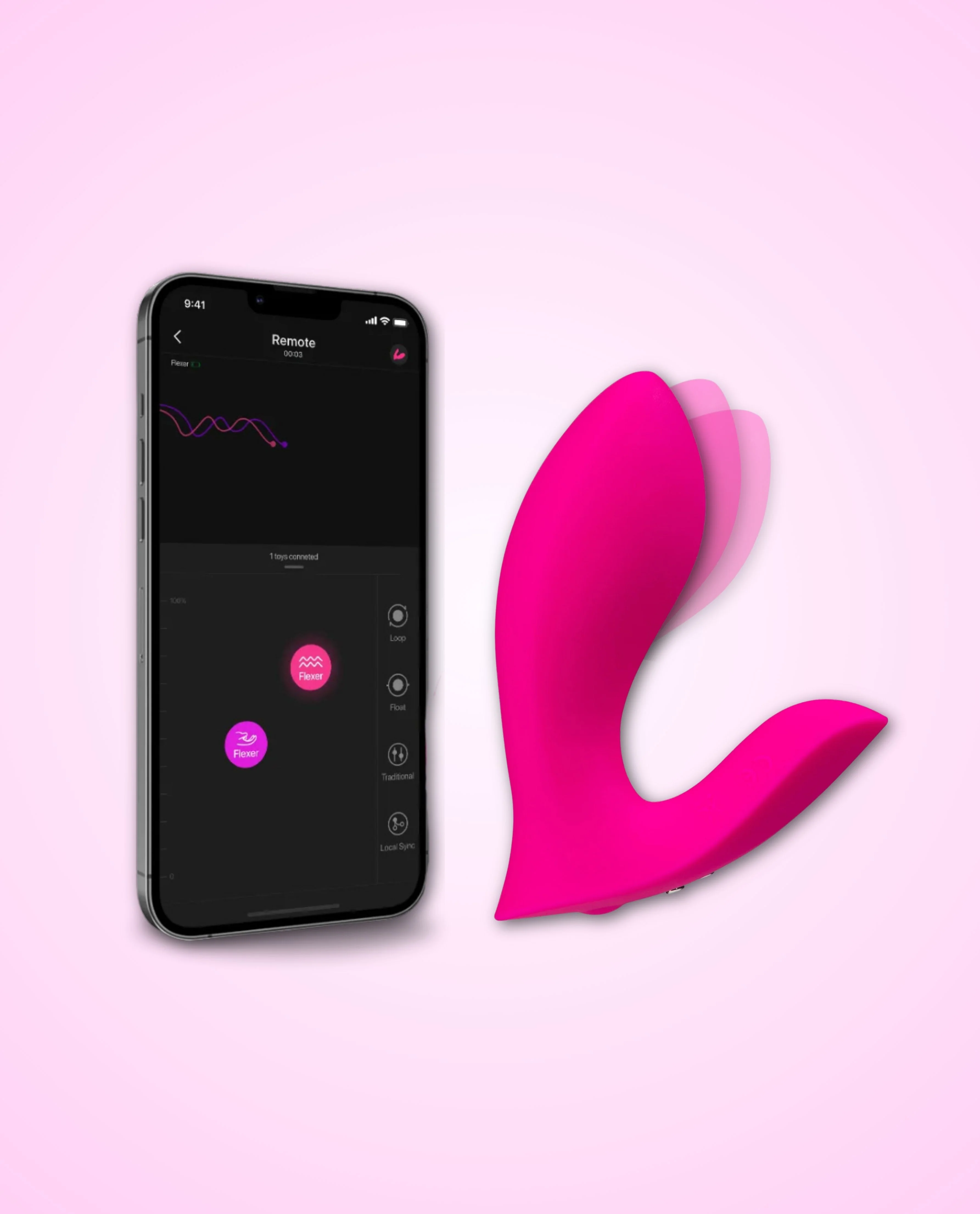
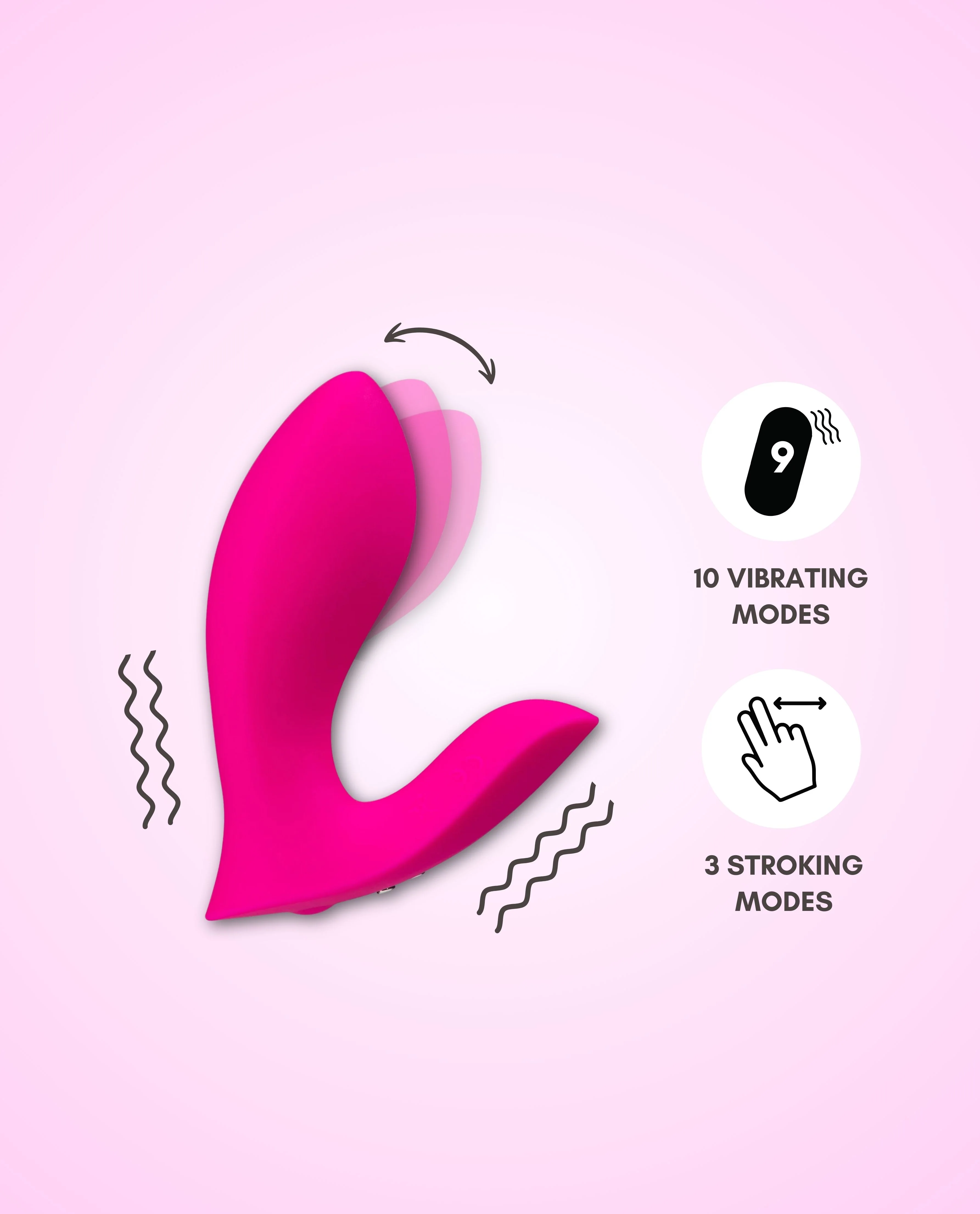
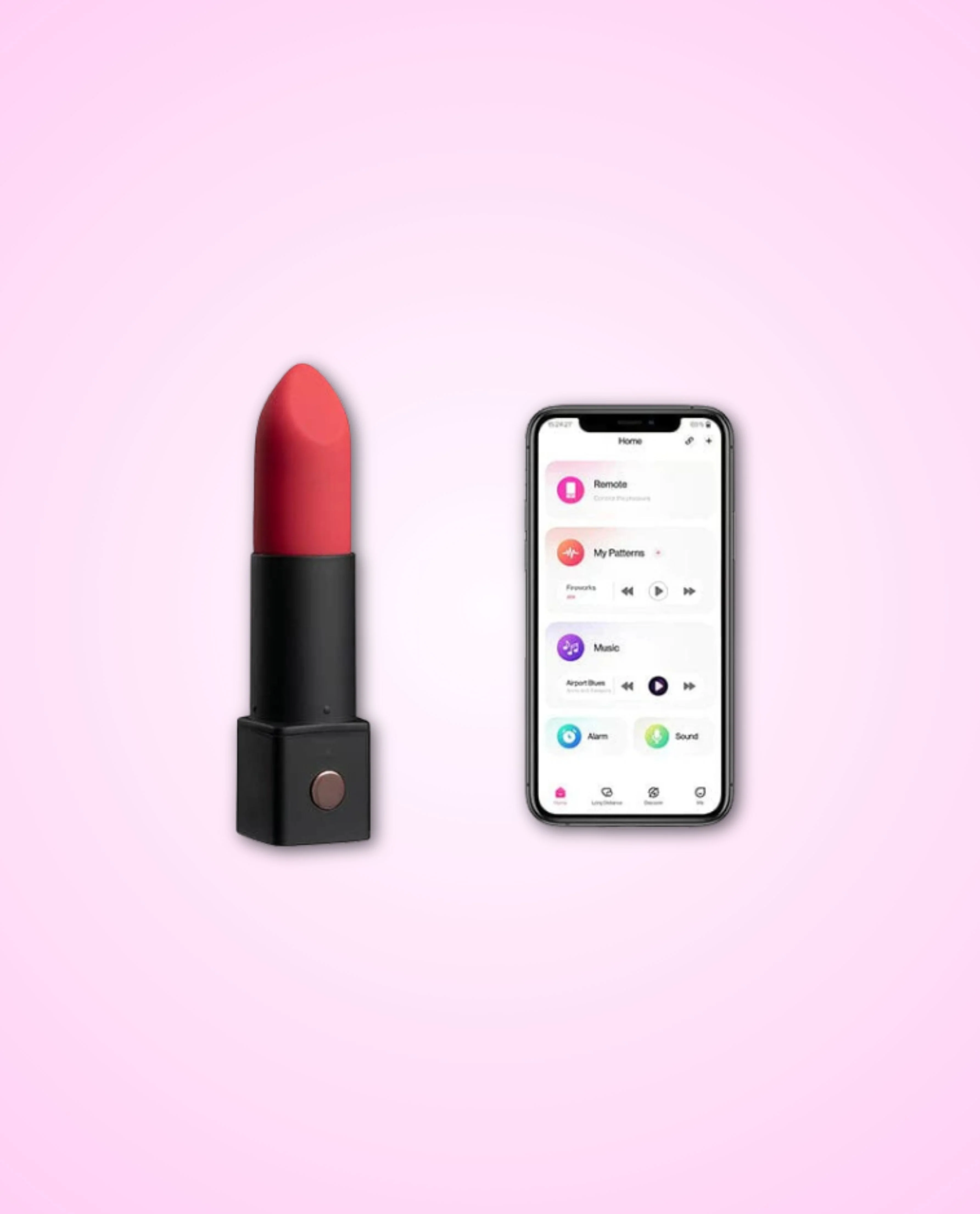
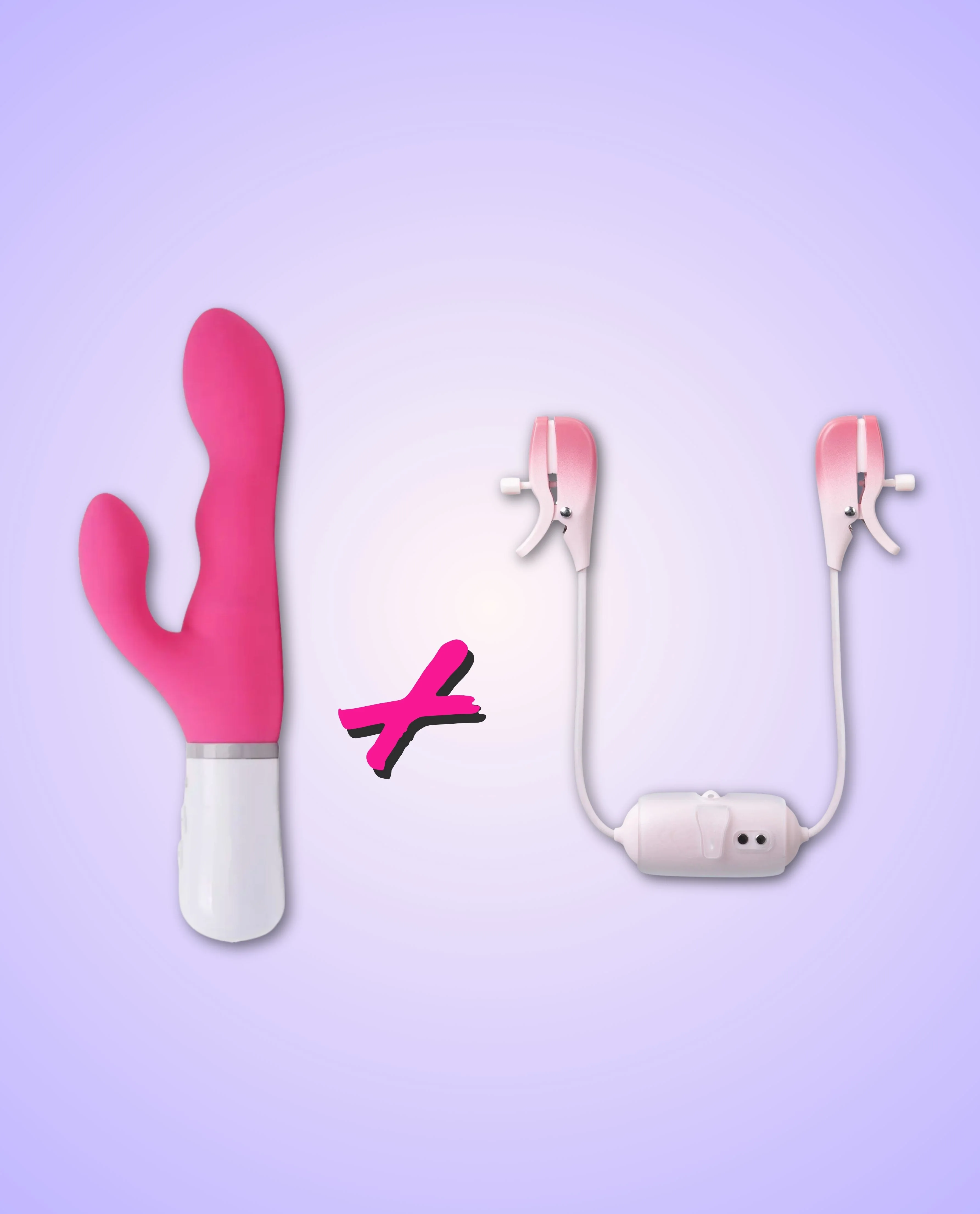
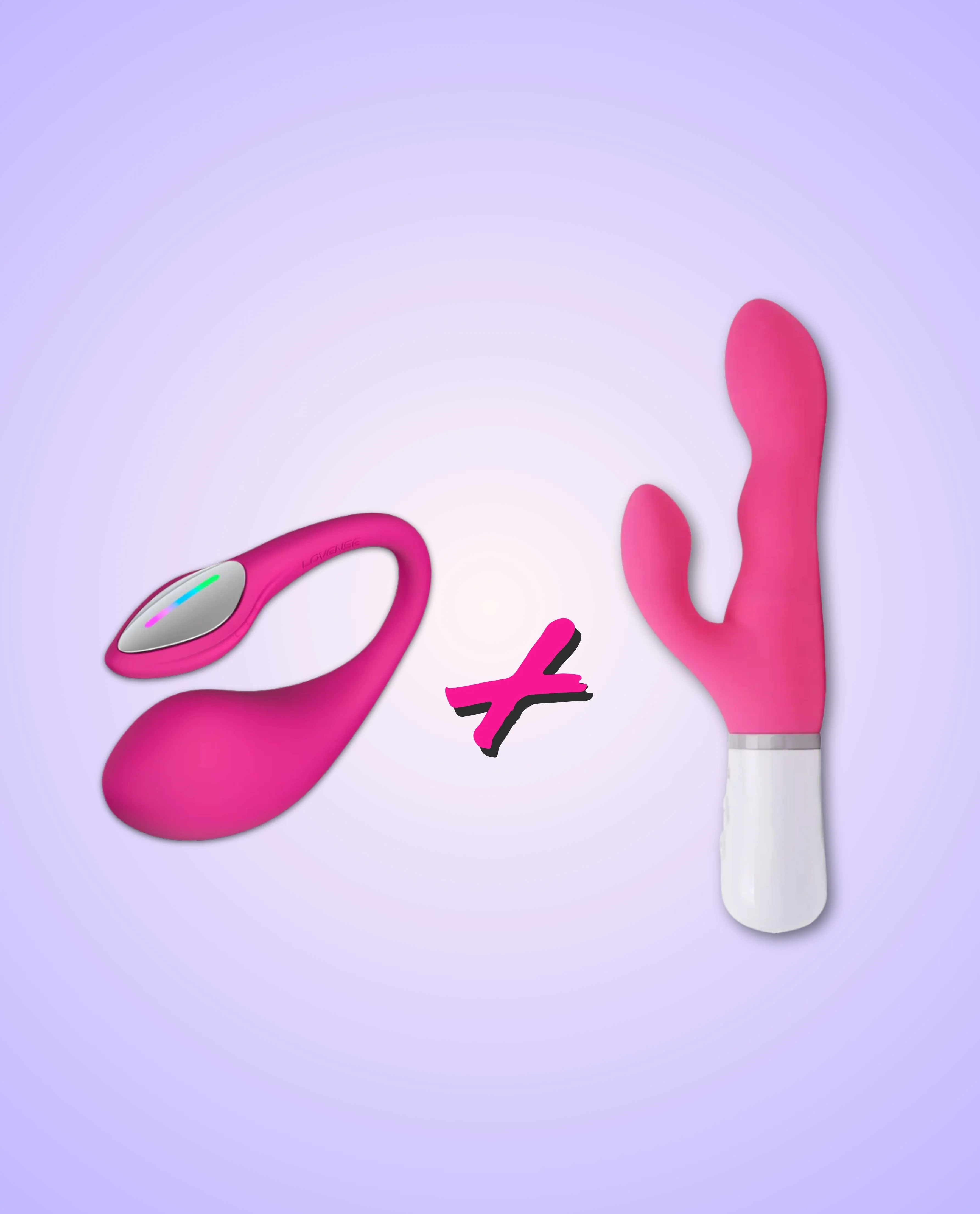
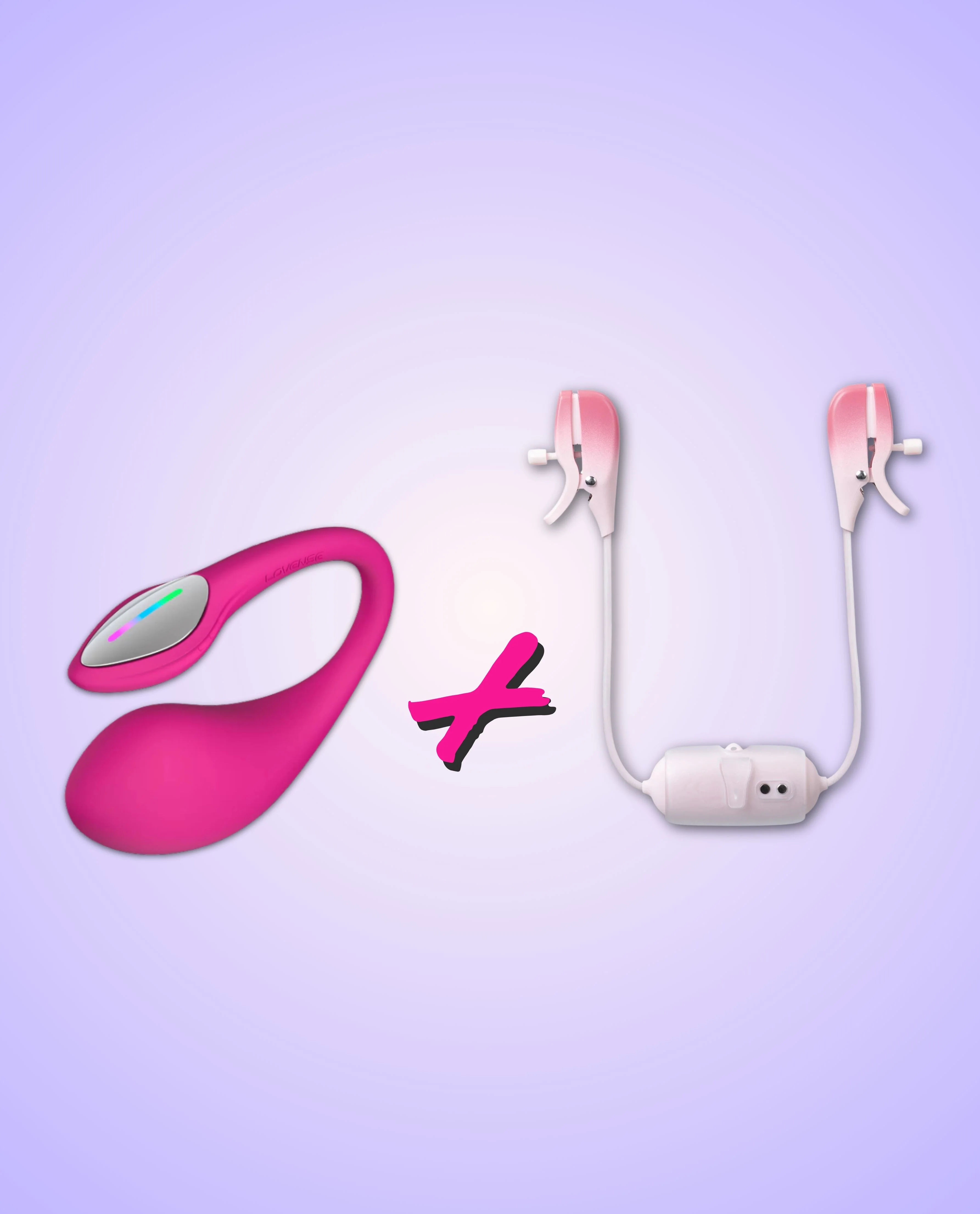
This G-Spot & Nipple Vibrator Set pairs Lush 4 and Gemini, both wireless, wearable and app-controlled. Stimulate the nipples and G-spot at the same time, solo or with a partner, all from touch of your phone.
Key Features:
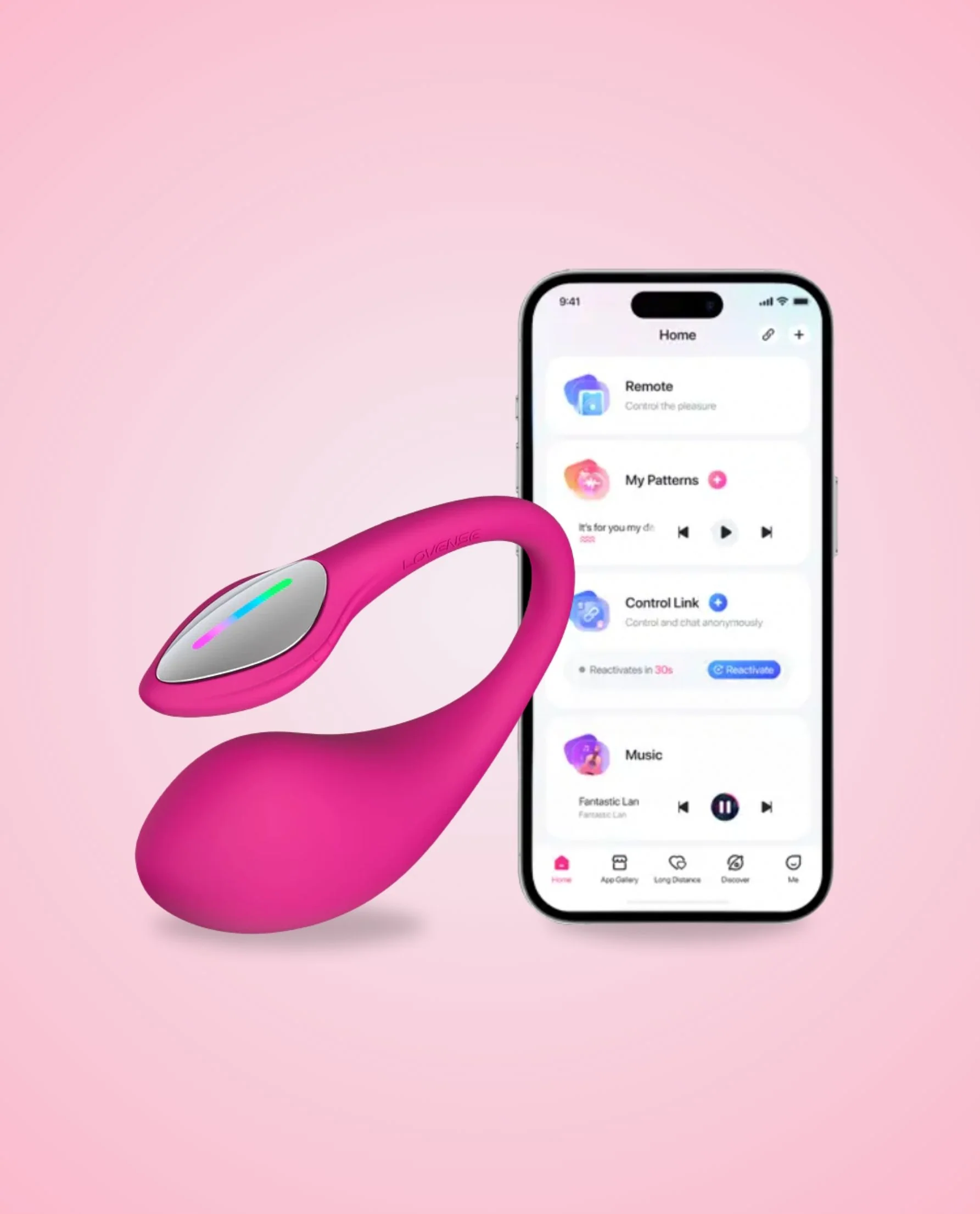
Lovense Lush 4 Egg Vibrator
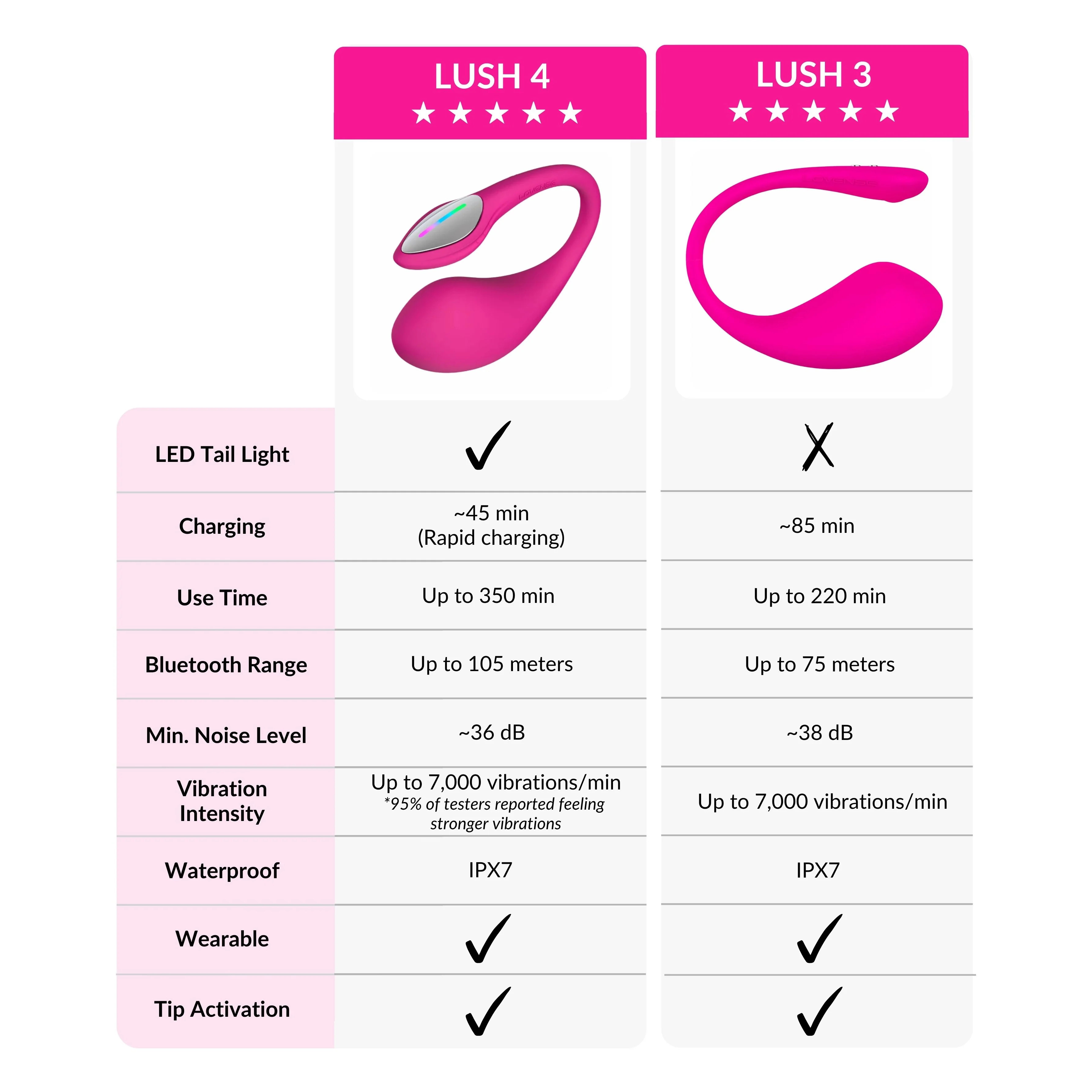
- Better Playtime & Connectivity: Up to 6 hours of continuous use and app-controlled connectivity for LDR play
- More Silent & Better Fit: Whisper-quiet with a stabilised tail that delivers stronger, more targeted G-Spot stimulation and stays securely in place
Lovense Gemini Vibrating Nipple Clamps
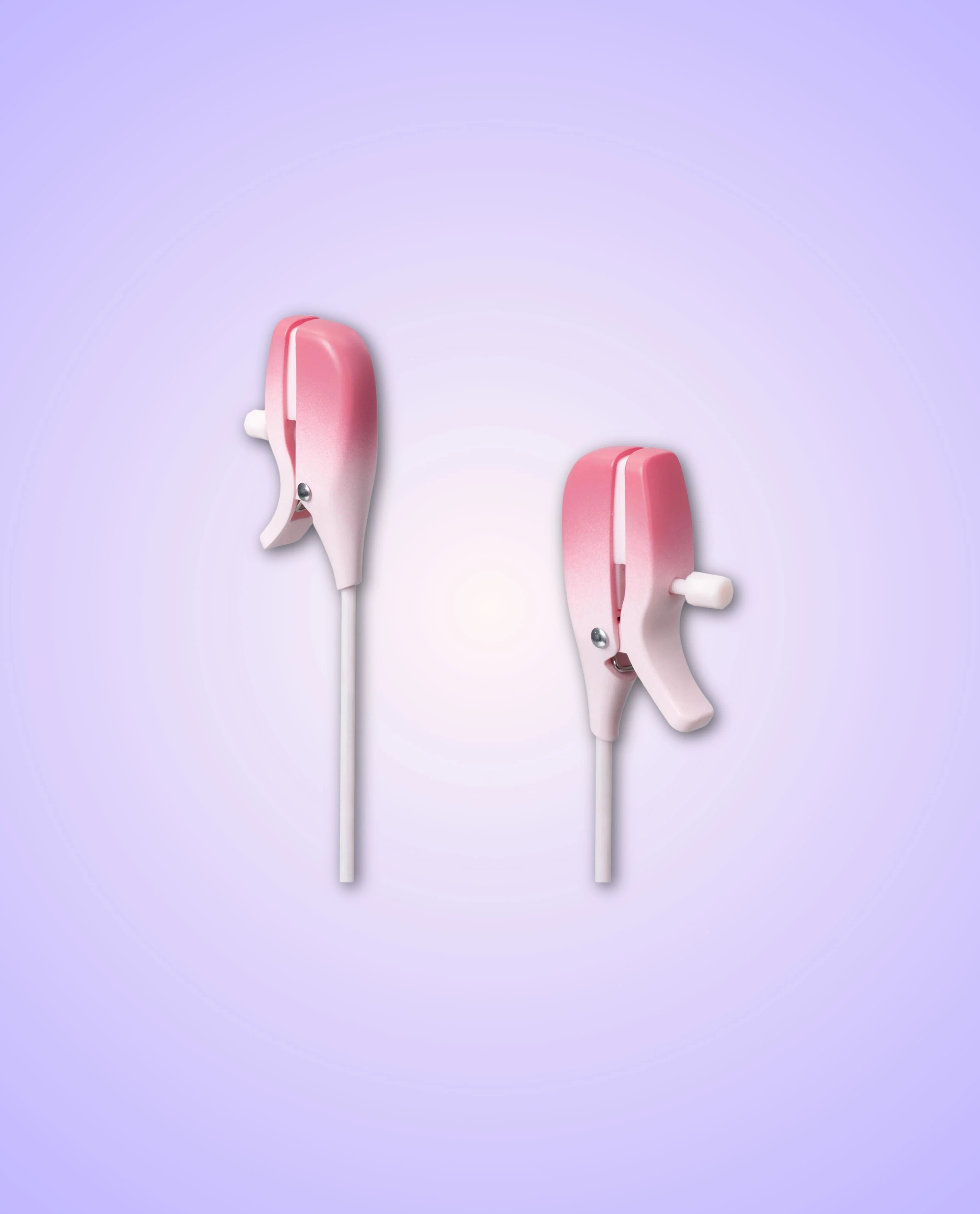
- Beginner-Friendly: Easy-to-clip, adjustable clamps with soft, comfy padding
- Enhance Nipple Play: Strong, customizable vibrations for teasing or intense pleasure
Both devices offer app control and up to 2 hours of playtime, making them perfect for solo or long-distance play
How to Use:
- Get Ready: Loosen the Gemini clamps using the top screw until they fit your nipples. Next, apply water-based lubricant to the Lush 4 for smooth, comfortable insertion
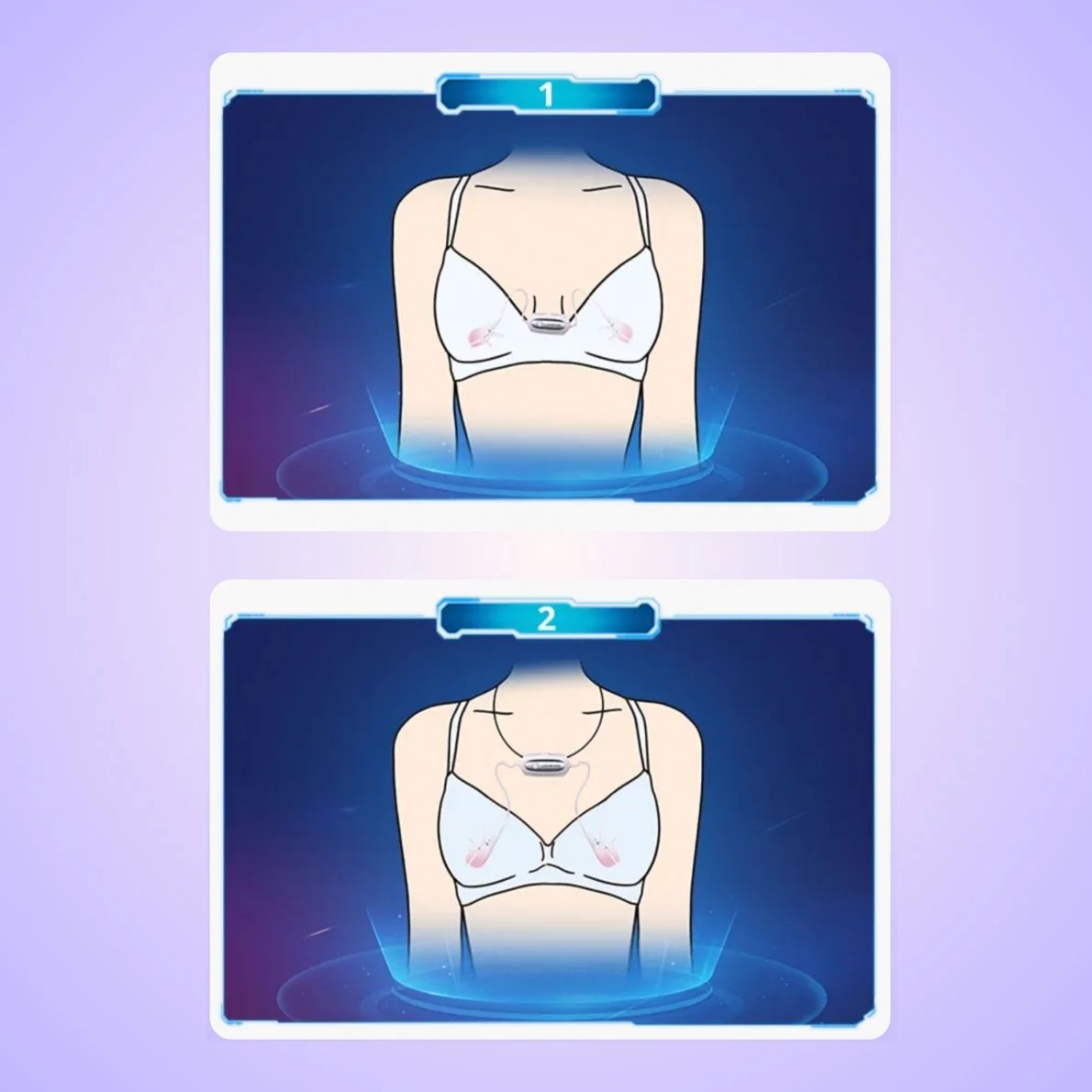
- Insert & Position: Place the Gemini clips on your nipples and tighten to your comfort. Then, gently insert the Lush 4, letting the tail rest against the clitoris to stay in place.
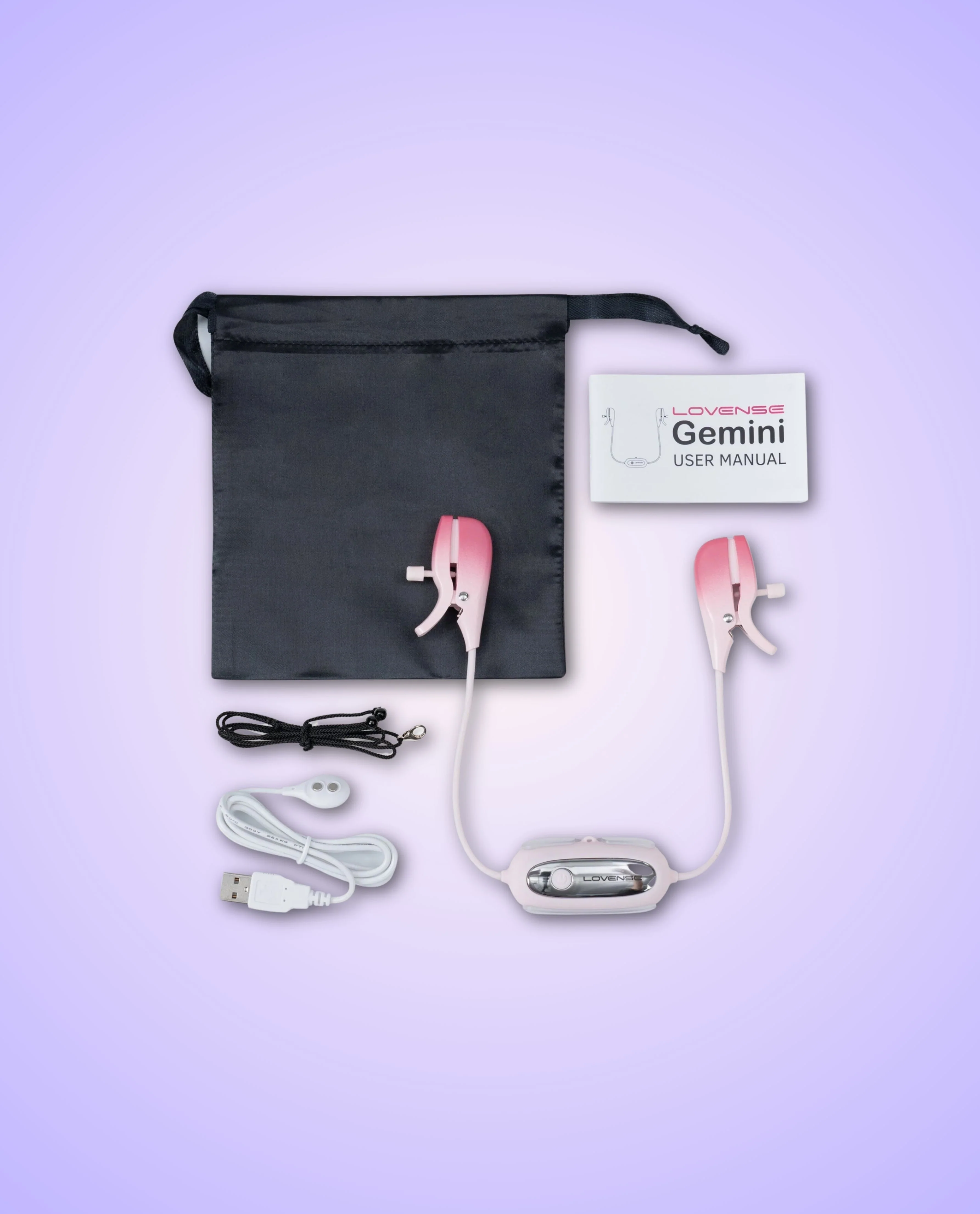
- Secure Fit: For extra security during movement, attach the Gemini's clear clip to your bra or use the included black necklace to keep them in place
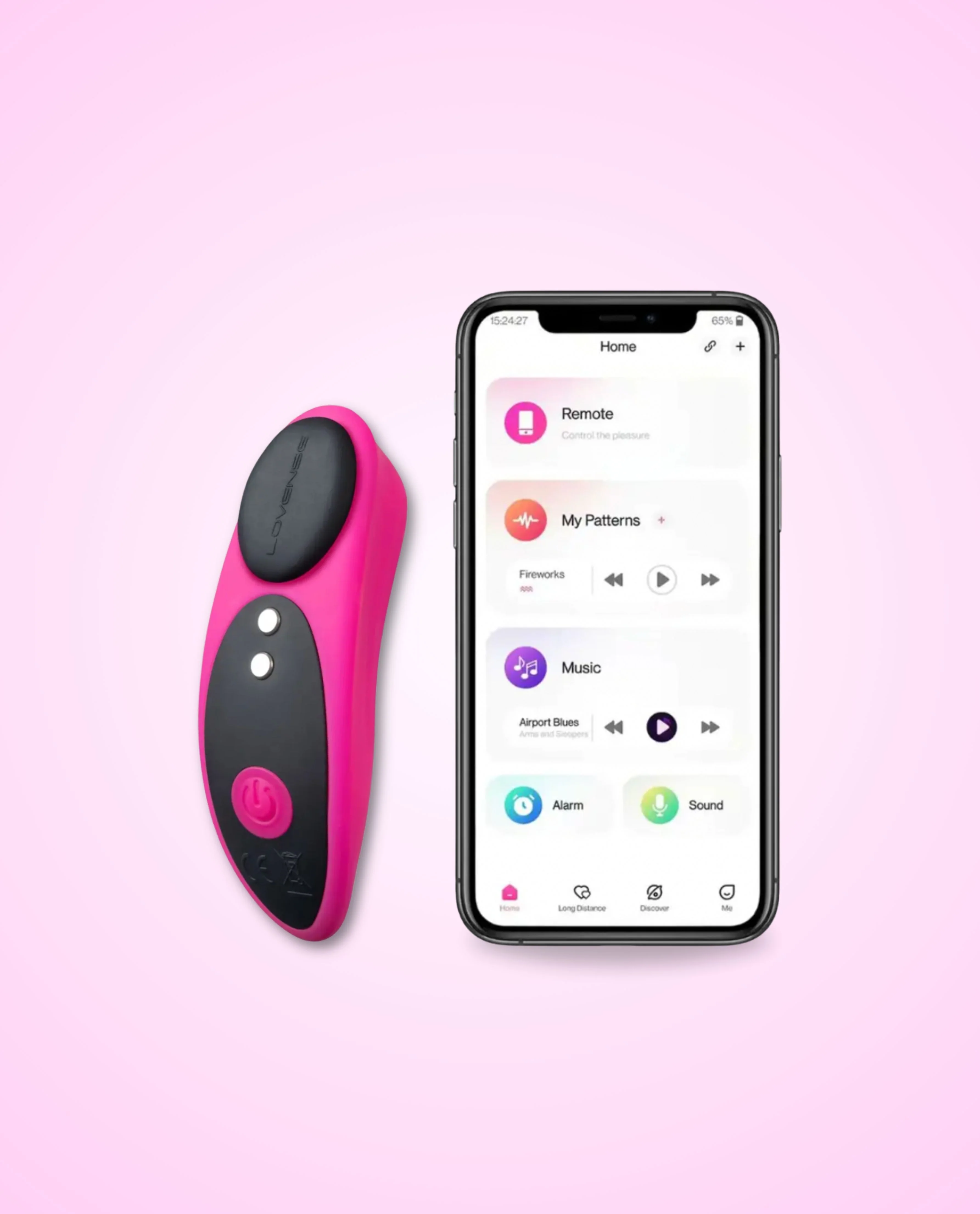
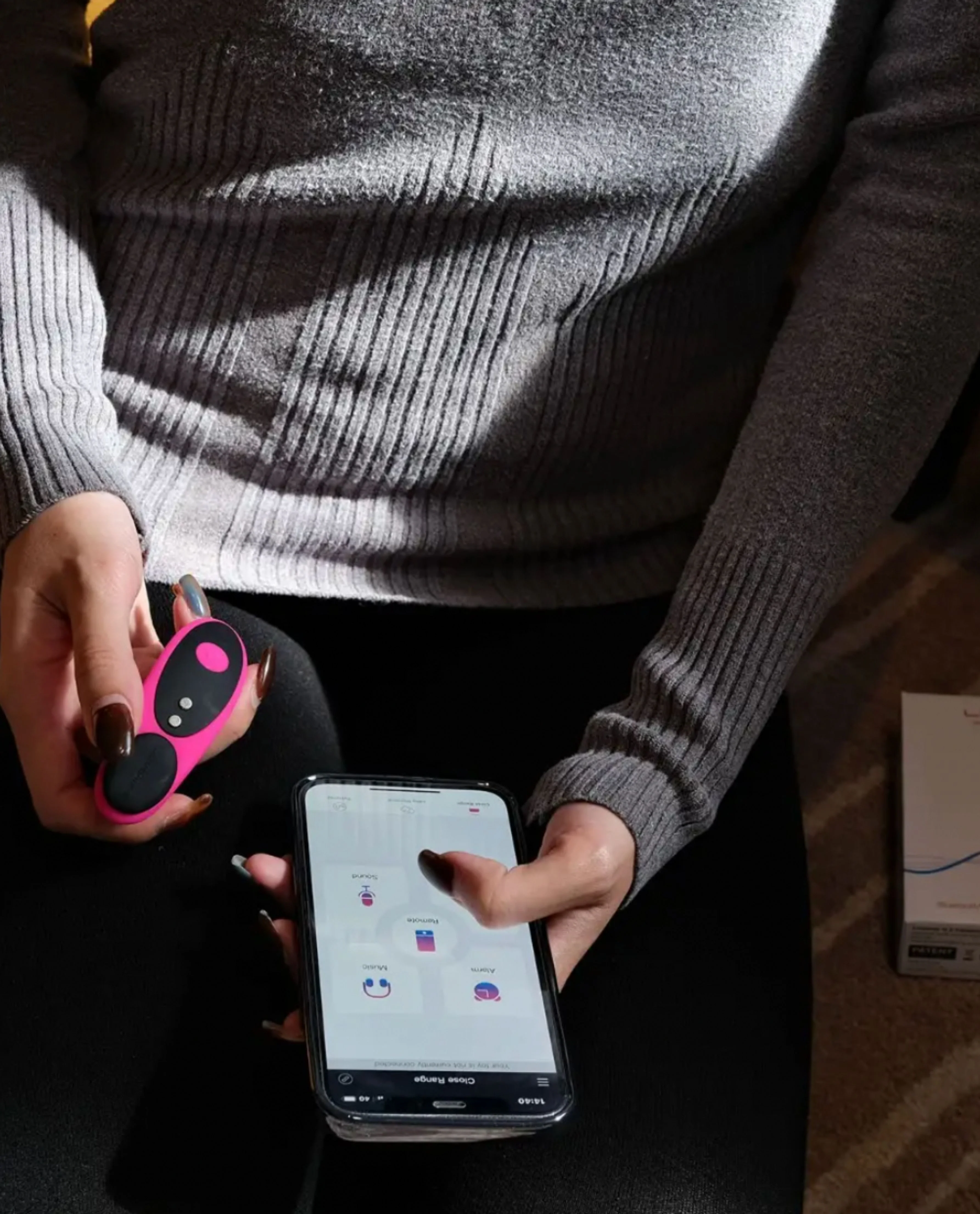
- Power On & Adjust Settings: Activate both toys using their control buttons to explore vibration patterns, or connect to the Lovense app for seamless, hands-free control from your phone
- Play Your Way: Explore over 10,000 custom vibrations for G-spot and nipple play with the Lovense app — perfect for solo fun and long-distance intimacy
How To Connect to the Lovense Remote App
- Download the Lovense Remote App from the App Store (for iOS) or Google Play Store (for Android)
- Open the app and create an account or log in if you already have one
- Make sure your toy is charged and turned on
- Enable Bluetooth on your smartphone
- In the app, tap on the "Add Toy" or similar option
- Select "Toy Name" from the list of available devices
- Follow the on-screen instructions to complete the pairing process
- Once connected, you can control your toy directly from the app, customize vibration patterns and explore various features for a personalized experience
Click here & here to find our full user manual for Lovense Lush 4 & Gemini respectively.
Product Information
Product Information
Shipping & Returns
Shipping & Returns
Description
This G-Spot & Nipple Vibrator Set pairs Lush 4 and Gemini, both wireless, wearable and app-controlled. Stimulate the nipples and G-spot at the same time, solo or with a partner, all from touch of your phone.
Key Features:
Lovense Lush 4 Egg Vibrator
- Better Playtime & Connectivity: Up to 6 hours of continuous use and app-controlled connectivity for LDR play
- More Silent & Better Fit: Whisper-quiet with a stabilised tail that delivers stronger, more targeted G-Spot stimulation and stays securely in place
Lovense Gemini Vibrating Nipple Clamps
- Beginner-Friendly: Easy-to-clip, adjustable clamps with soft, comfy padding
- Enhance Nipple Play: Strong, customizable vibrations for teasing or intense pleasure
Both devices offer app control and up to 2 hours of playtime, making them perfect for solo or long-distance play
How to Use:
- Get Ready: Loosen the Gemini clamps using the top screw until they fit your nipples. Next, apply water-based lubricant to the Lush 4 for smooth, comfortable insertion
- Insert & Position: Place the Gemini clips on your nipples and tighten to your comfort. Then, gently insert the Lush 4, letting the tail rest against the clitoris to stay in place.
- Secure Fit: For extra security during movement, attach the Gemini's clear clip to your bra or use the included black necklace to keep them in place
- Power On & Adjust Settings: Activate both toys using their control buttons to explore vibration patterns, or connect to the Lovense app for seamless, hands-free control from your phone
- Play Your Way: Explore over 10,000 custom vibrations for G-spot and nipple play with the Lovense app — perfect for solo fun and long-distance intimacy
How To Connect to the Lovense Remote App
- Download the Lovense Remote App from the App Store (for iOS) or Google Play Store (for Android)
- Open the app and create an account or log in if you already have one
- Make sure your toy is charged and turned on
- Enable Bluetooth on your smartphone
- In the app, tap on the "Add Toy" or similar option
- Select "Toy Name" from the list of available devices
- Follow the on-screen instructions to complete the pairing process
- Once connected, you can control your toy directly from the app, customize vibration patterns and explore various features for a personalized experience
Click here & here to find our full user manual for Lovense Lush 4 & Gemini respectively.