

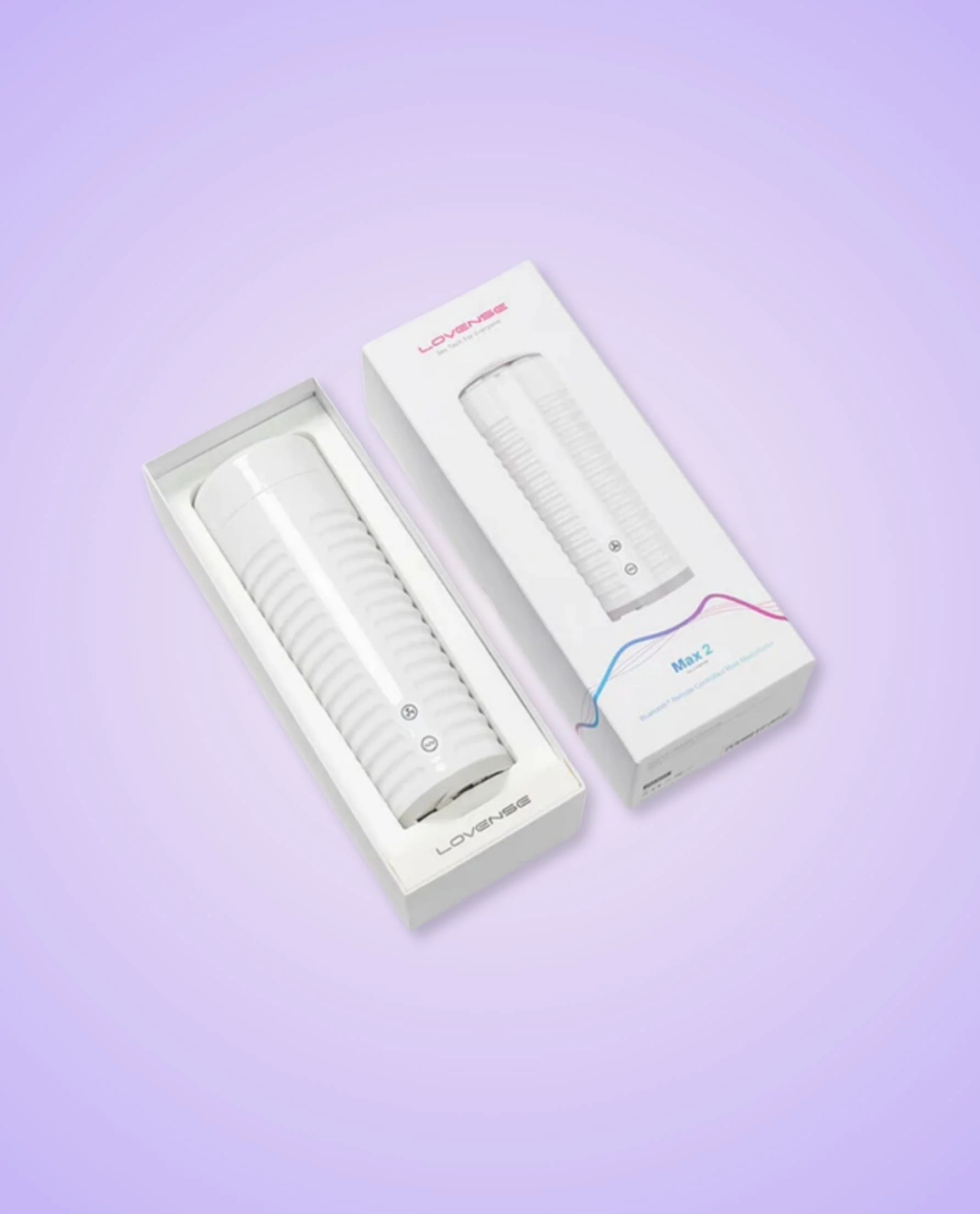
Lovense Nora & Max 2 App-Controlled Couple’s Bundle
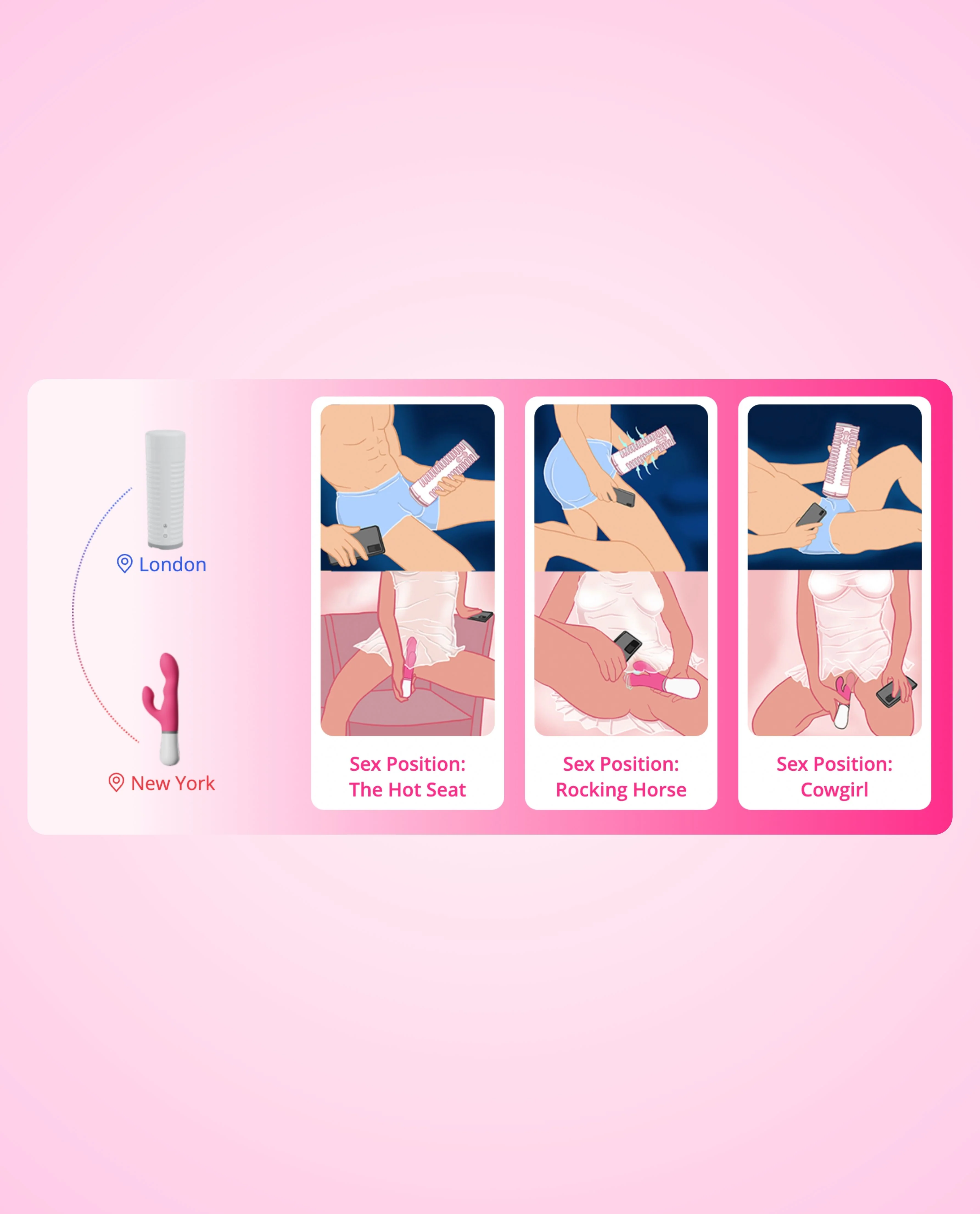
Pair compatible toys like Nora and Max 2 for perfectly synced partner play — even from different locations. Lovense bundles let both partners feel connected in real time with every thrust and stroke.
Key Features:
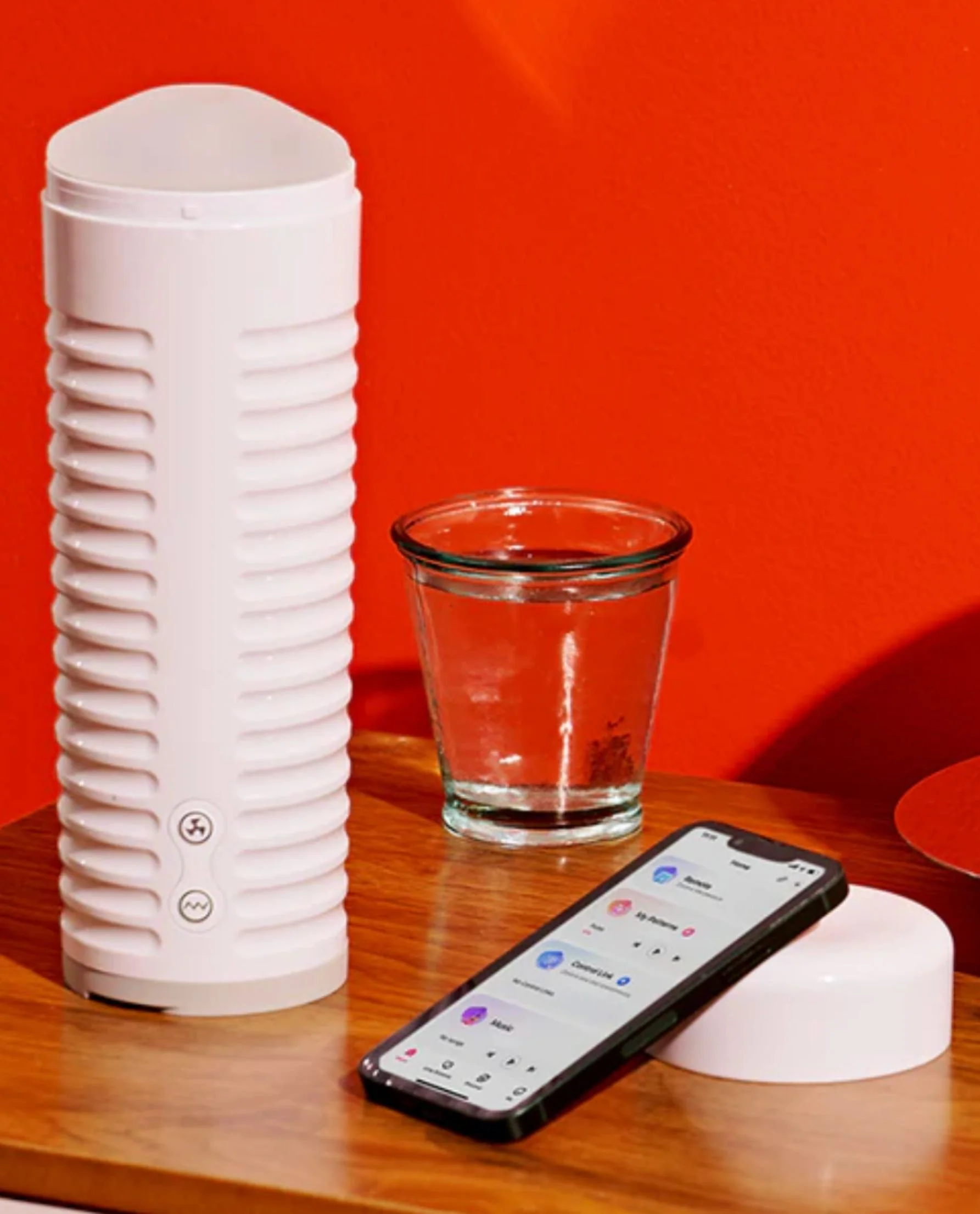
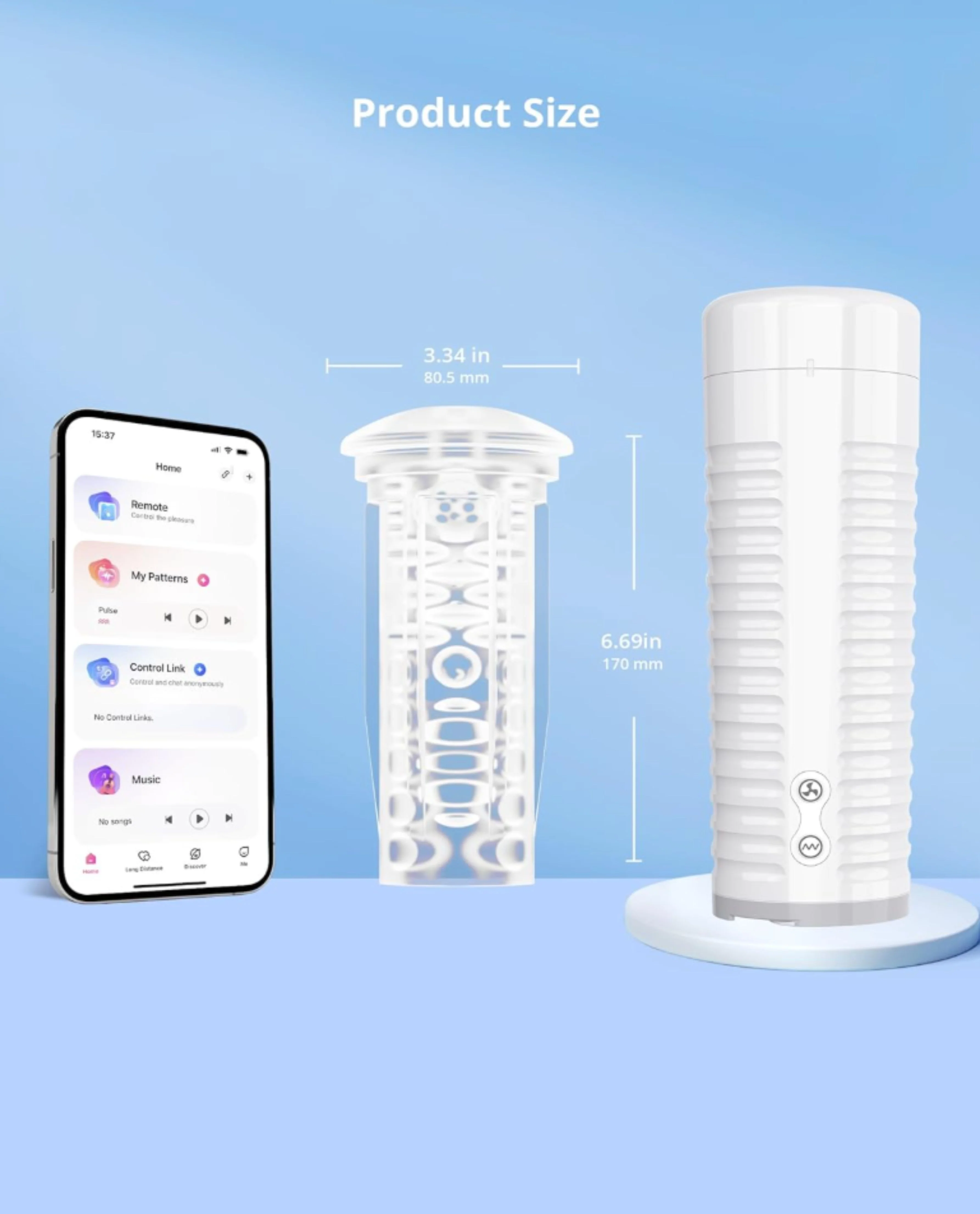
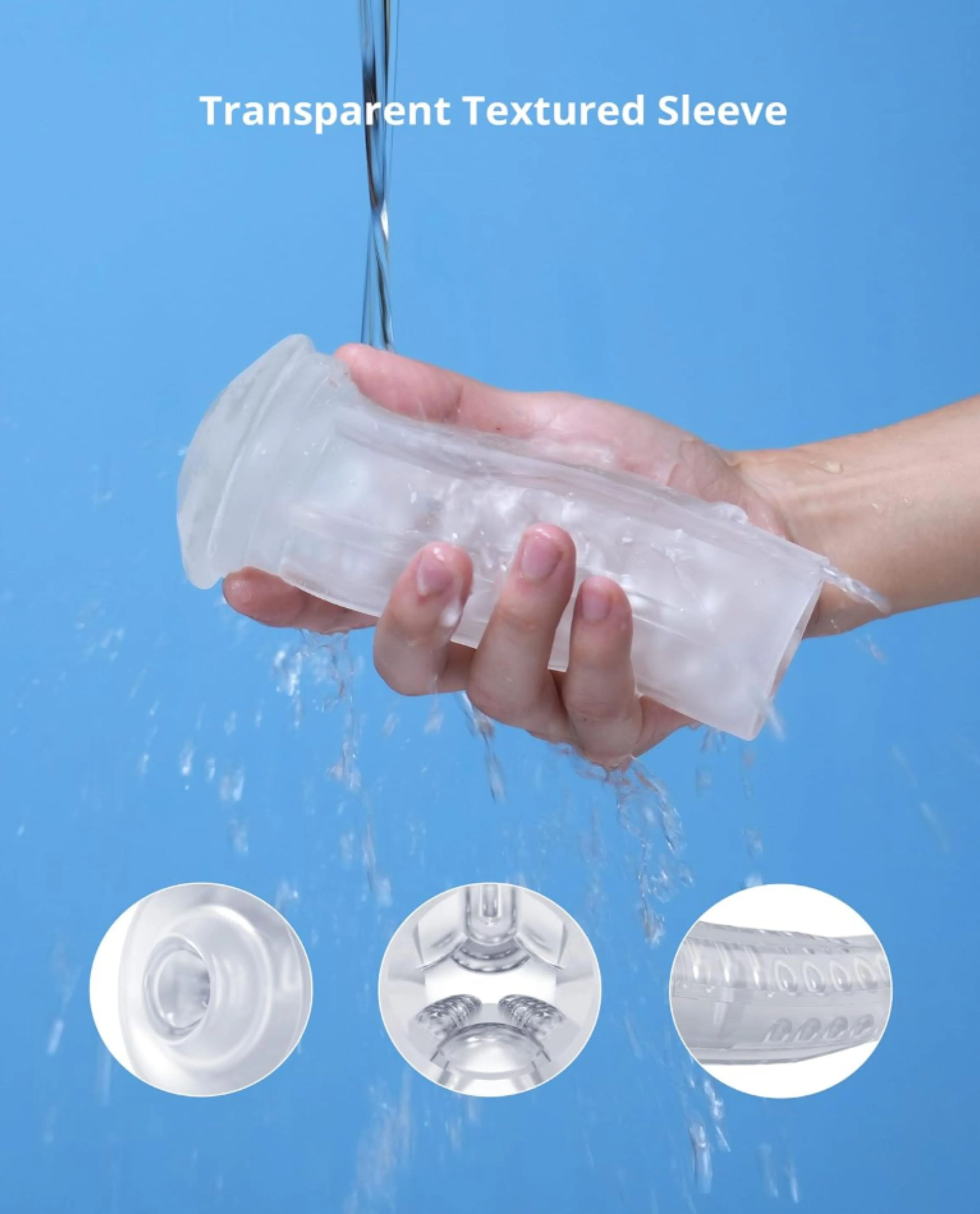
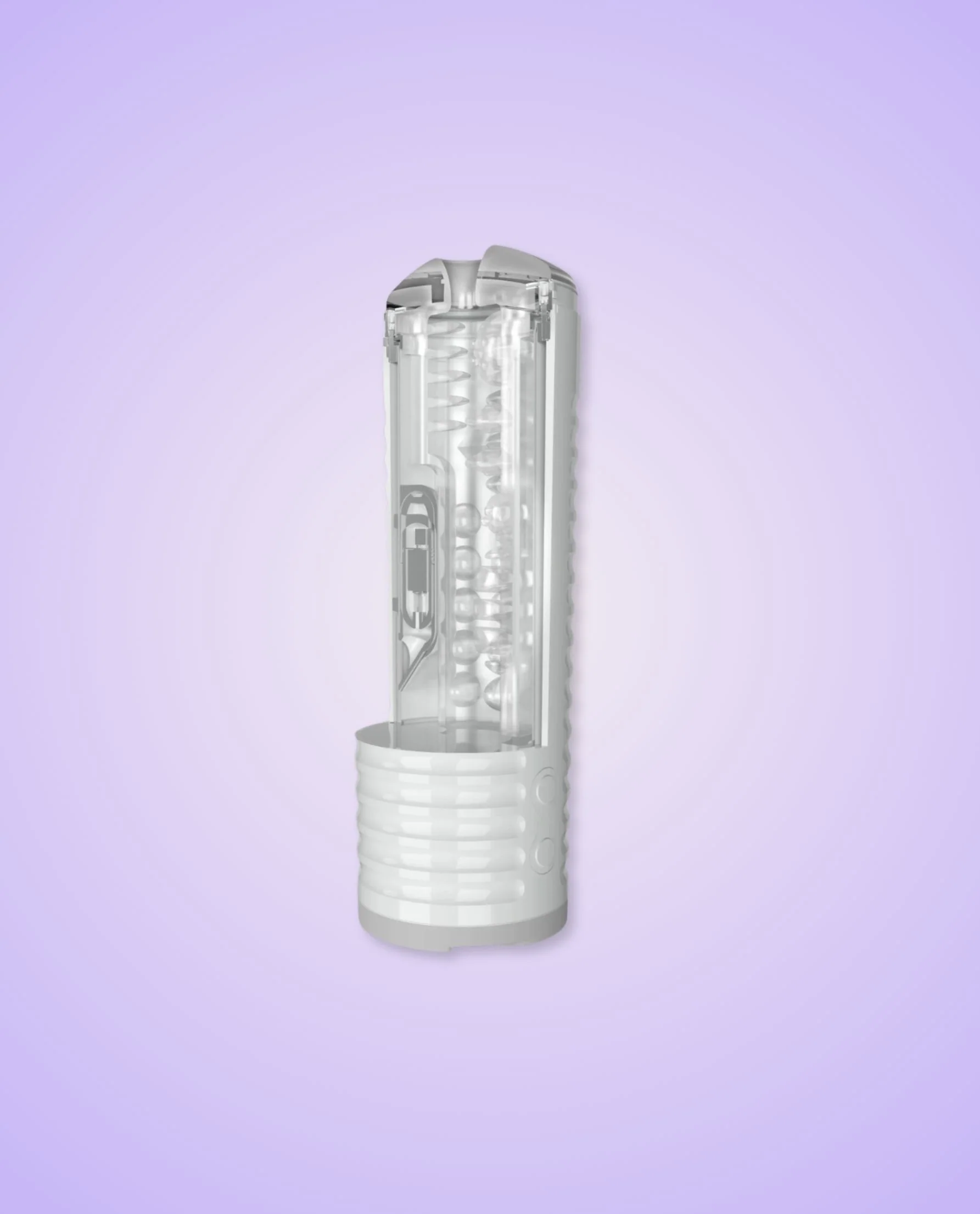
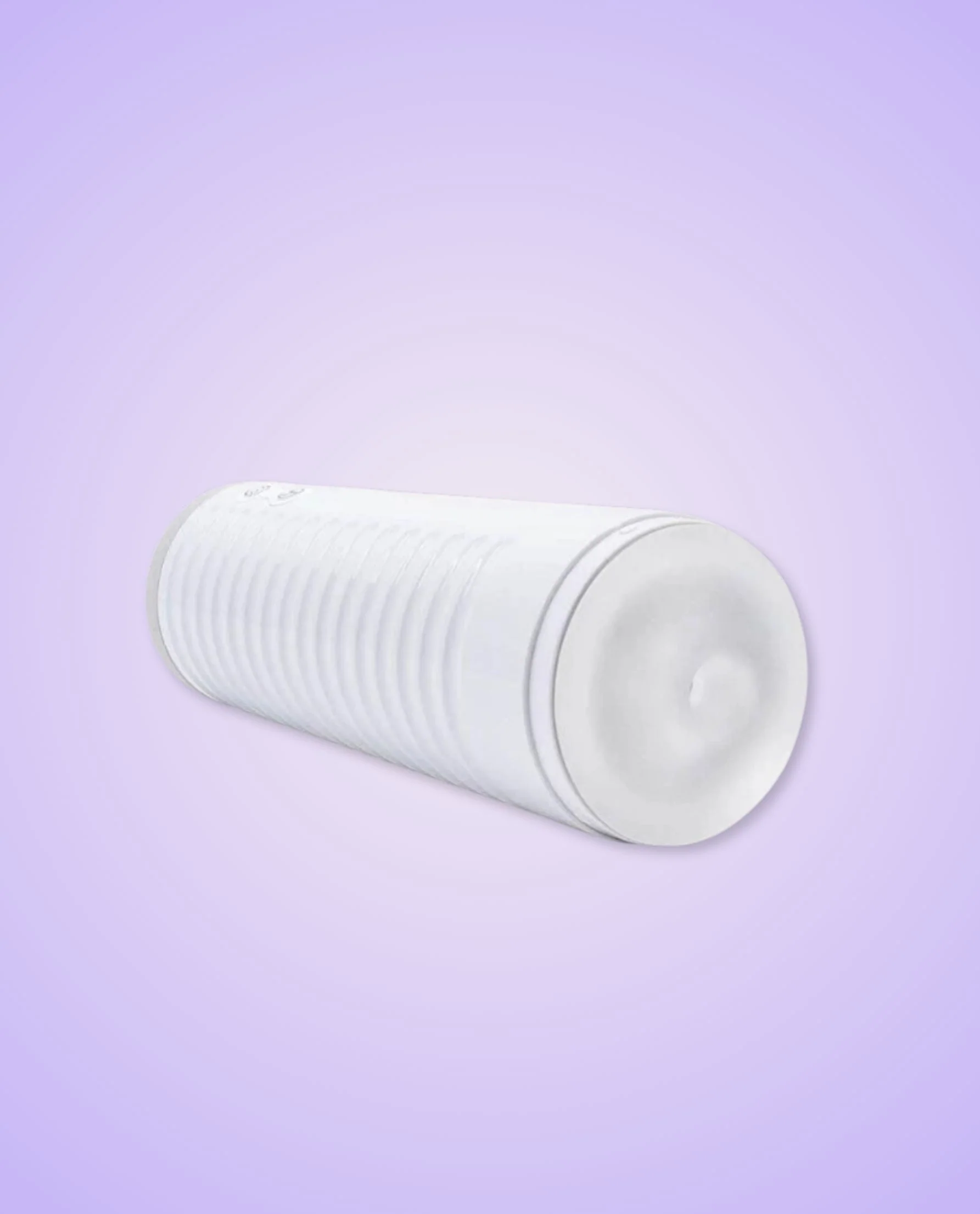
Lovense Max 2 Masturbator
- Realistic Feel: Soft, body-safe sleeve designed to mimic the real thing
- Adjustable Air Vent: Customize suction intensity to simulate oral sex or vaginal contractions
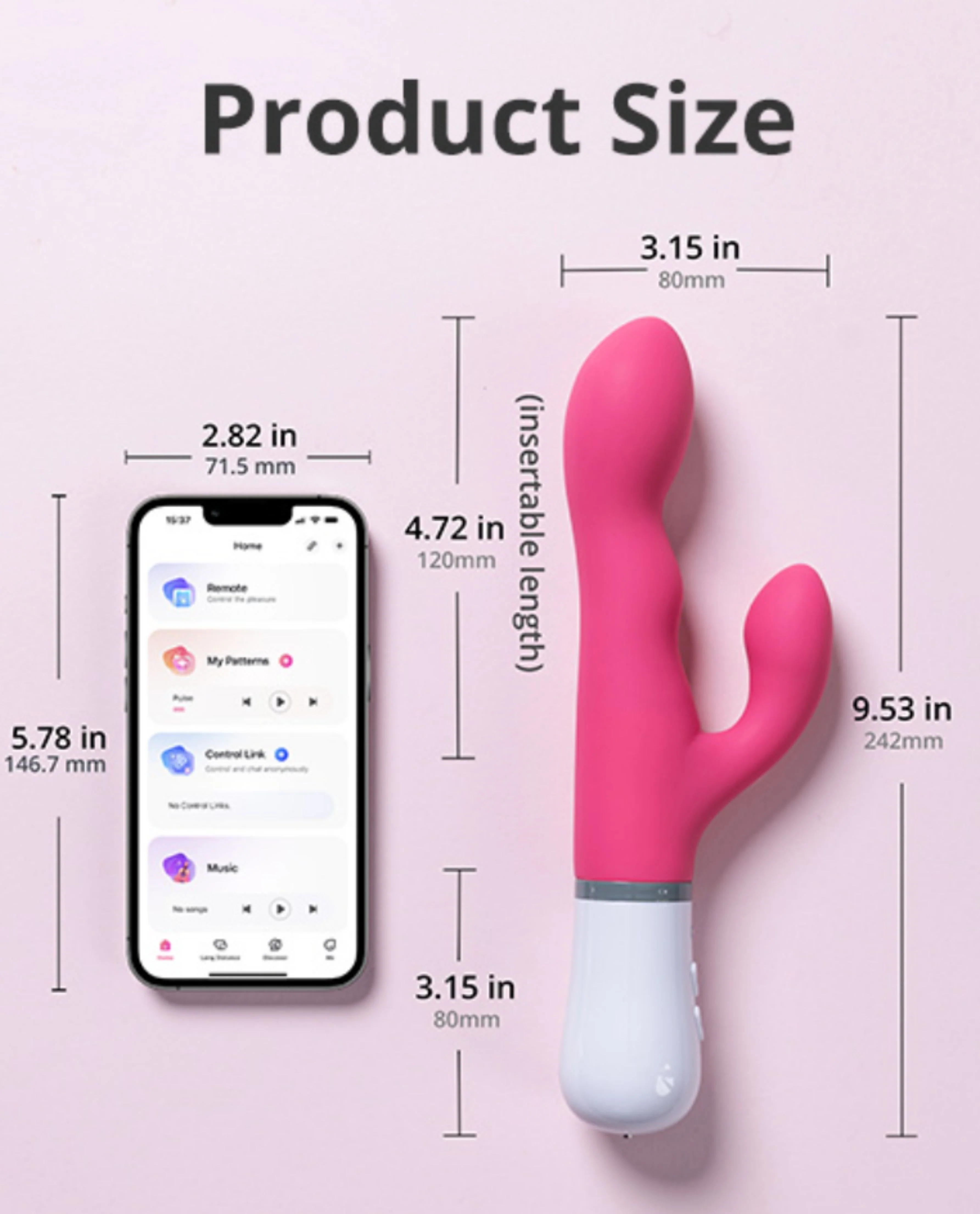
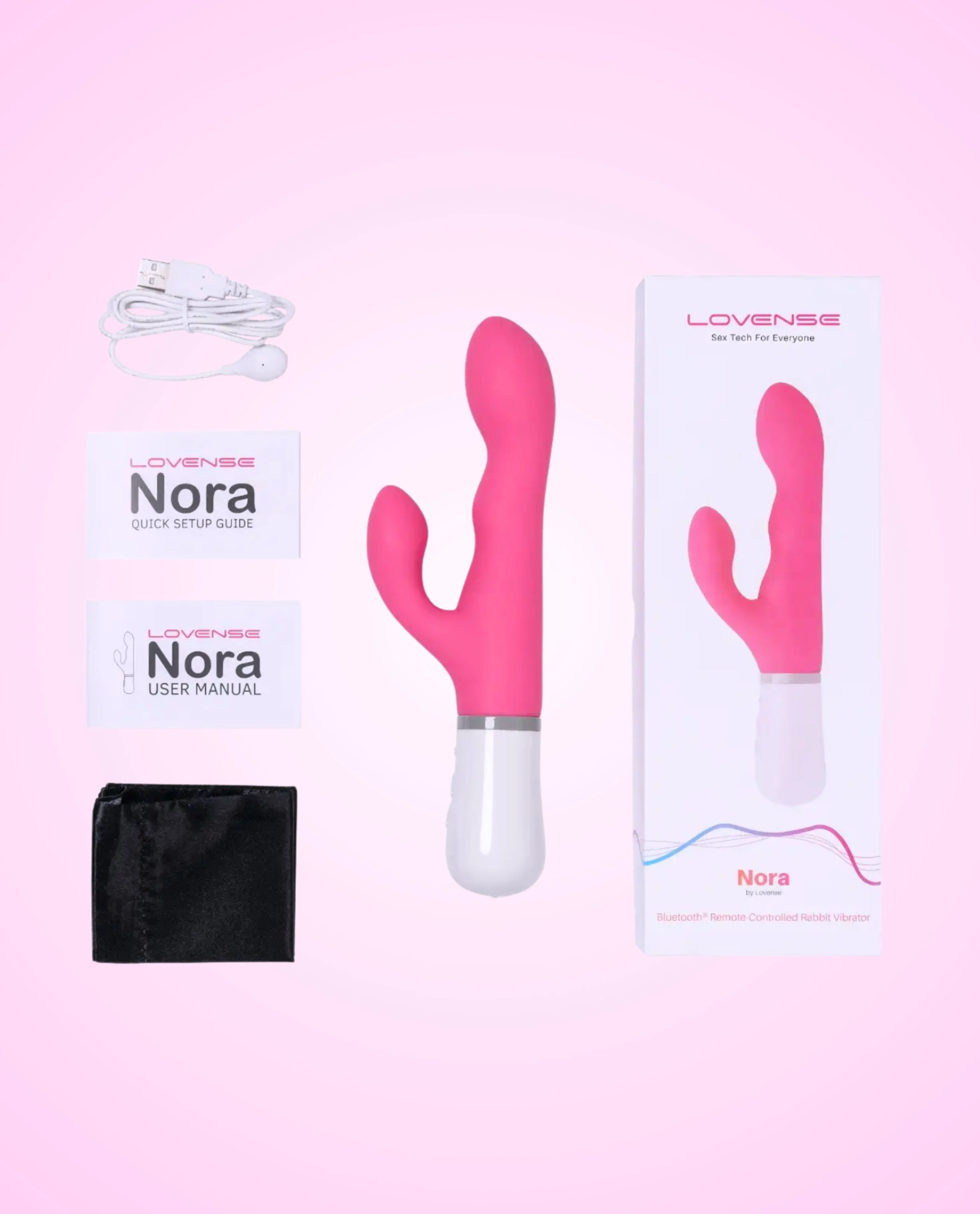
Lovense Nora Vibrating Rabbit Dildo
- Rotates in Two Directions: Clockwise or anti-clockwise, you decide how you'd like to be stroked for pleasure
- Dual-Stimulation Design: Curved shaft and clitoral arm target the G-spot and clit for deep, blended orgasms
Both devices offer app control and up to 3 hours of playtime, making them perfect for solo or long-distance play
How to Use:
- Get Ready: Apply water-based lube generously to the shaft of Nora & inside the Max 2's soft vaginal sleeve for smooth, comfortable play
- Insert & Position: Insert the Nora into the vagina, ensuring the external arm rests against the clitoris; Slide the penis into the Max 2, letting the soft sleeve gently wrap around the shaft of the penis
- Power On & Adjust Settings: Activate the control buttons to explore vibration modes or connect to the Lovense app for real-time, hands-free control. For Max 2, adjust suction with the Air Vent before powering on. If pressure feels too strong, use the Quick Air Release. The airbag may soften over time but this is normal and won't affect performance
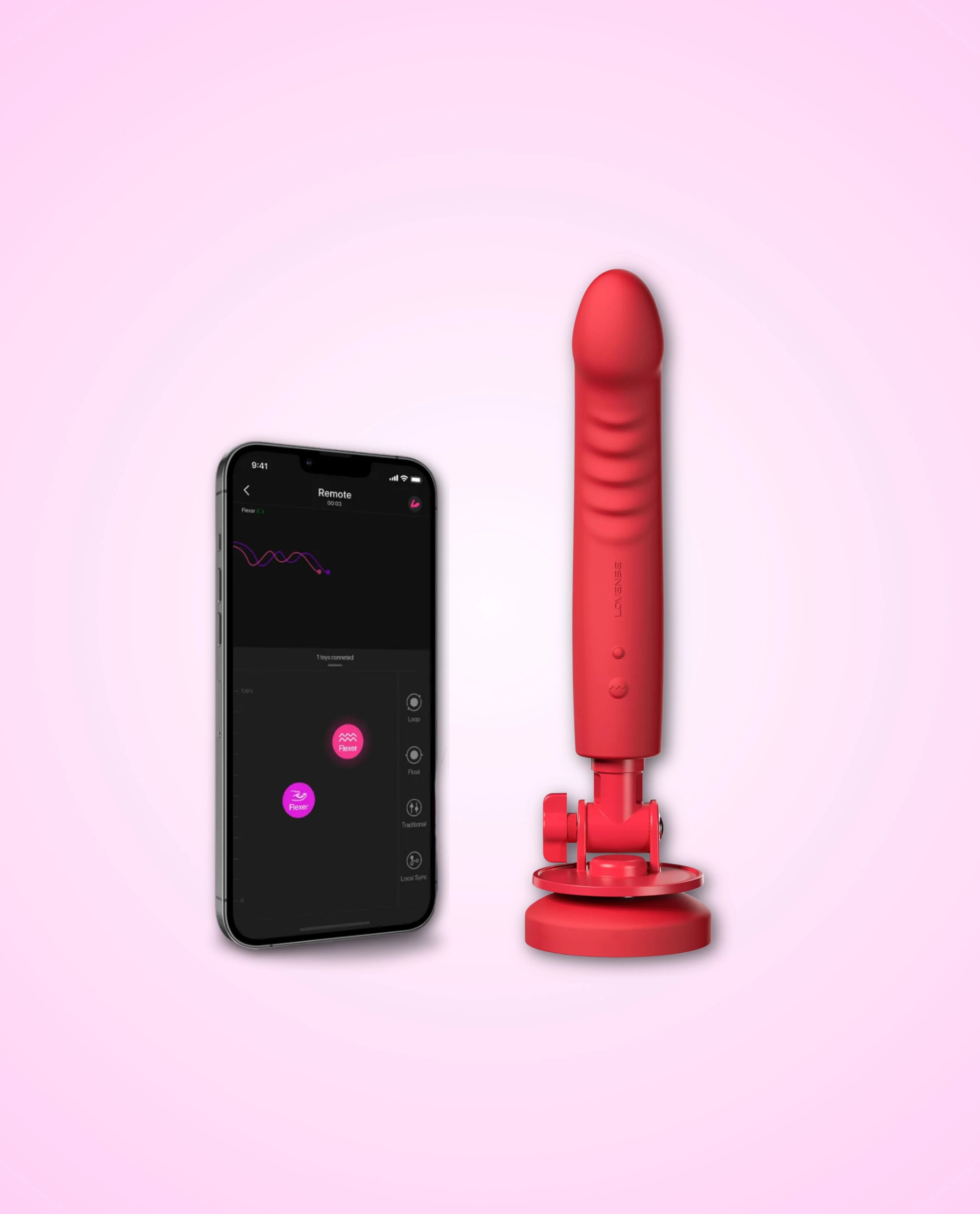
- Play Your Way: Explore over 10,000 custom vibration patterns with the Lovense app — perfect for solo fun and long-distance intimacy
How To Connect to the Lovense Remote App
- Download the Lovense Remote App from the App Store (for iOS) or Google Play Store (for Android)
- Open the app and create an account or log in if you already have one
- Make sure your toy is charged and turned on
- Enable Bluetooth on your smartphone
- In the app, tap on the "Add Toy" or similar option
- Select "Toy Name" from the list of available devices
- Follow the on-screen instructions to complete the pairing process
- Once connected, you can control your toy directly from the app, customize vibration patterns and explore various features for a personalized experience
Click here & here to find our full user manual for Lovense Nora & Max 2 respectively.
Product Information
Product Information
Shipping & Returns
Shipping & Returns
Description
Pair compatible toys like Nora and Max 2 for perfectly synced partner play — even from different locations. Lovense bundles let both partners feel connected in real time with every thrust and stroke.
Key Features:
Lovense Max 2 Masturbator
- Realistic Feel: Soft, body-safe sleeve designed to mimic the real thing
- Adjustable Air Vent: Customize suction intensity to simulate oral sex or vaginal contractions
Lovense Nora Vibrating Rabbit Dildo
- Rotates in Two Directions: Clockwise or anti-clockwise, you decide how you'd like to be stroked for pleasure
- Dual-Stimulation Design: Curved shaft and clitoral arm target the G-spot and clit for deep, blended orgasms
Both devices offer app control and up to 3 hours of playtime, making them perfect for solo or long-distance play
How to Use:
- Get Ready: Apply water-based lube generously to the shaft of Nora & inside the Max 2's soft vaginal sleeve for smooth, comfortable play
- Insert & Position: Insert the Nora into the vagina, ensuring the external arm rests against the clitoris; Slide the penis into the Max 2, letting the soft sleeve gently wrap around the shaft of the penis
- Power On & Adjust Settings: Activate the control buttons to explore vibration modes or connect to the Lovense app for real-time, hands-free control. For Max 2, adjust suction with the Air Vent before powering on. If pressure feels too strong, use the Quick Air Release. The airbag may soften over time but this is normal and won't affect performance
- Play Your Way: Explore over 10,000 custom vibration patterns with the Lovense app — perfect for solo fun and long-distance intimacy
How To Connect to the Lovense Remote App
- Download the Lovense Remote App from the App Store (for iOS) or Google Play Store (for Android)
- Open the app and create an account or log in if you already have one
- Make sure your toy is charged and turned on
- Enable Bluetooth on your smartphone
- In the app, tap on the "Add Toy" or similar option
- Select "Toy Name" from the list of available devices
- Follow the on-screen instructions to complete the pairing process
- Once connected, you can control your toy directly from the app, customize vibration patterns and explore various features for a personalized experience
Click here & here to find our full user manual for Lovense Nora & Max 2 respectively.